GLightbox Gallery Feature Demo #
This post demonstrates the new gallery shortcode functionality using GLightbox. Galleries allow you to group related images together and navigate through them in the lightbox viewer.
Gallery 1: Conference Photos #
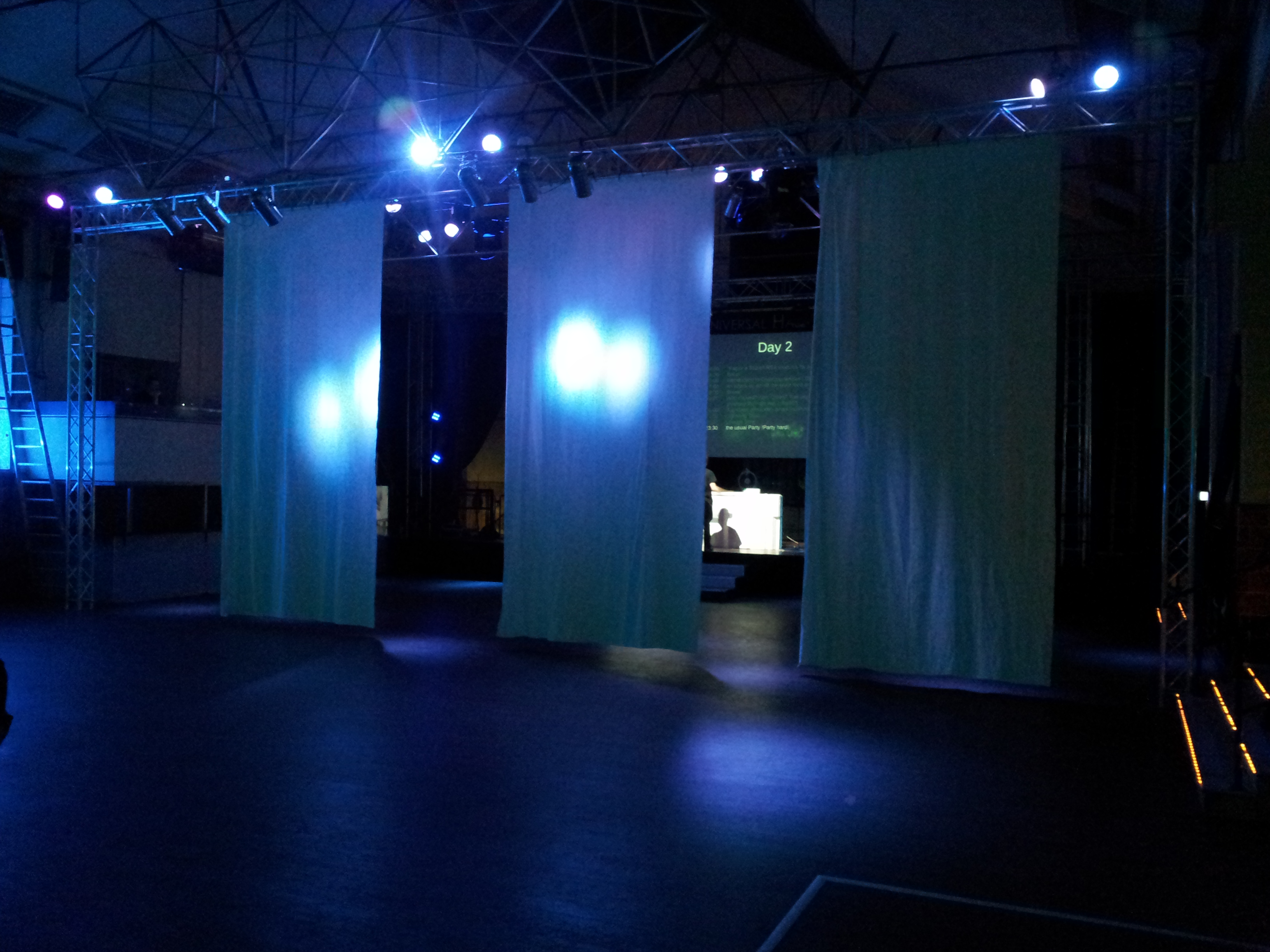
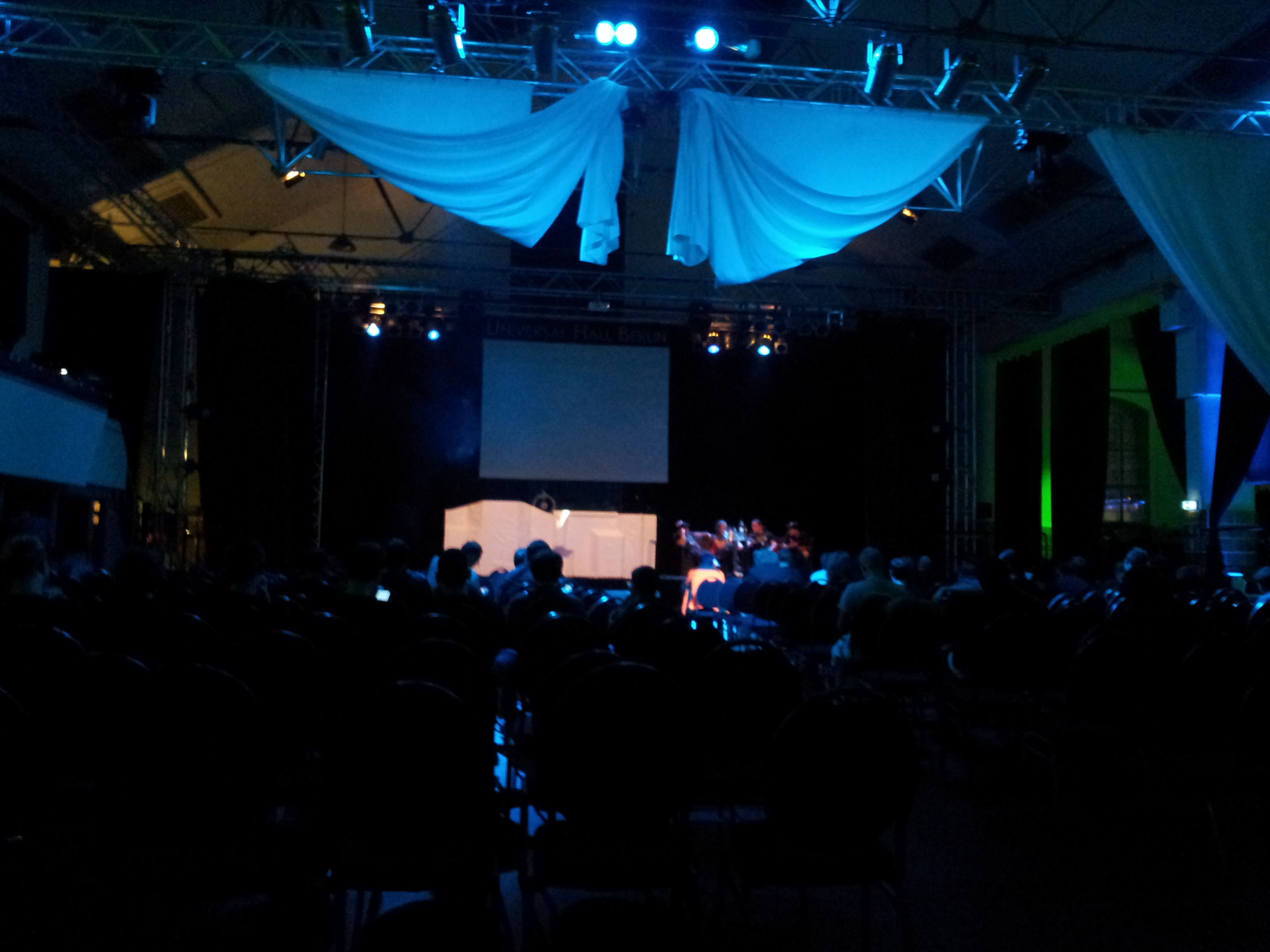
Here’s a gallery of conference photos. Click any image to open the lightbox, then use arrow keys or on-screen controls to navigate between images in the gallery.
Gallery 2: Development Screenshots #
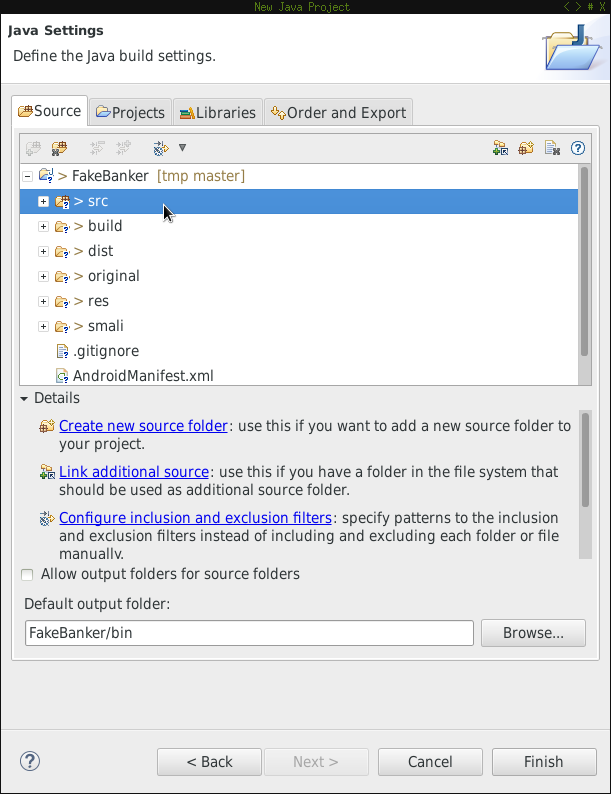
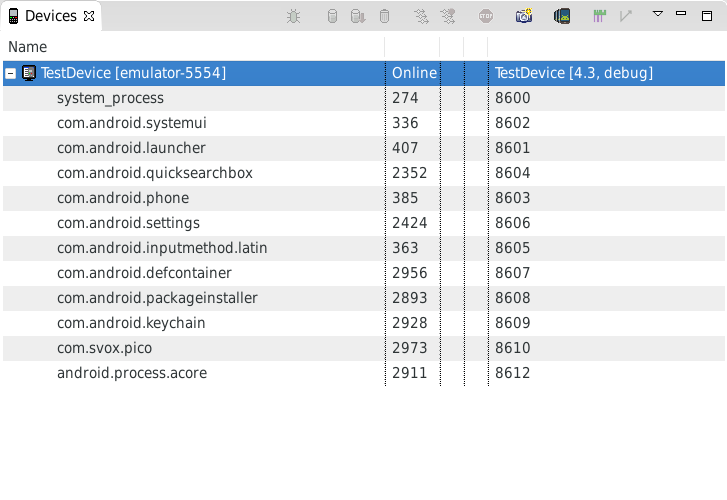
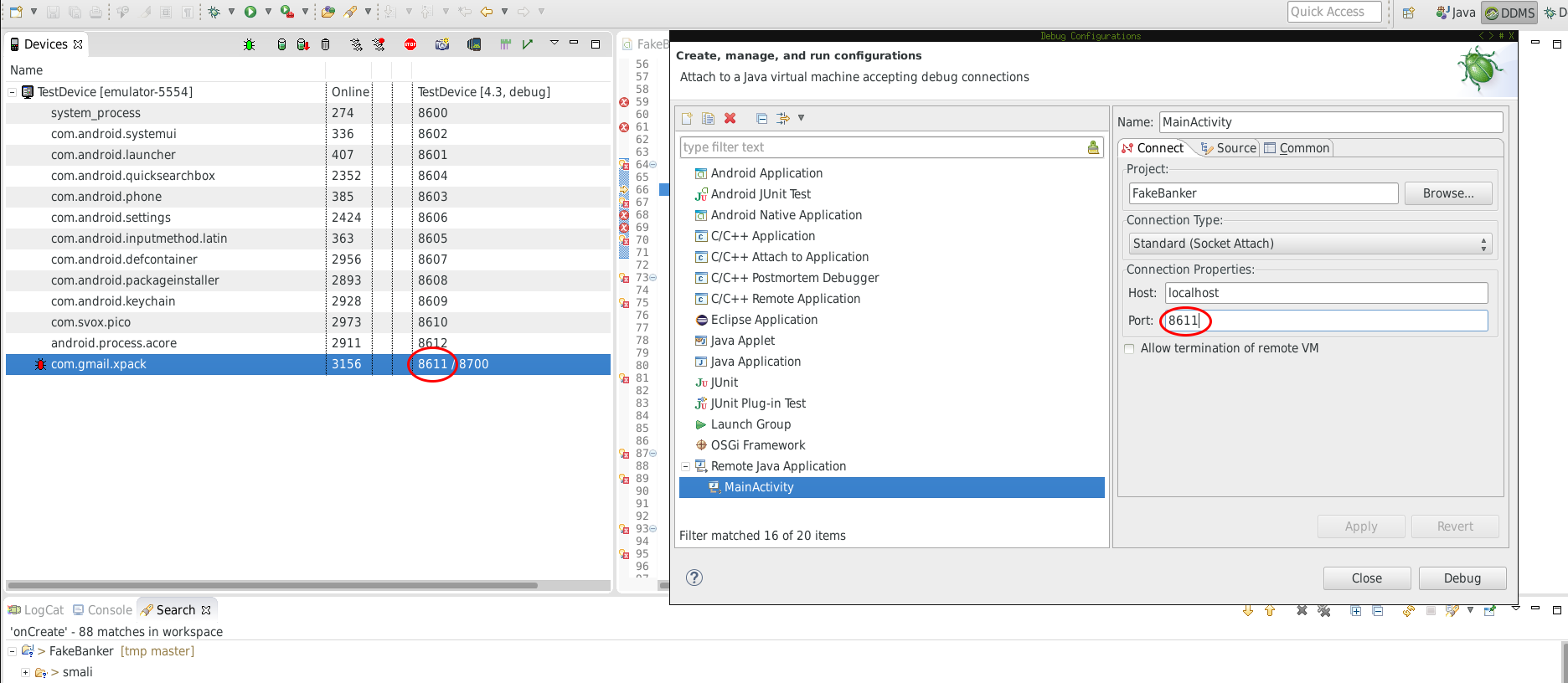
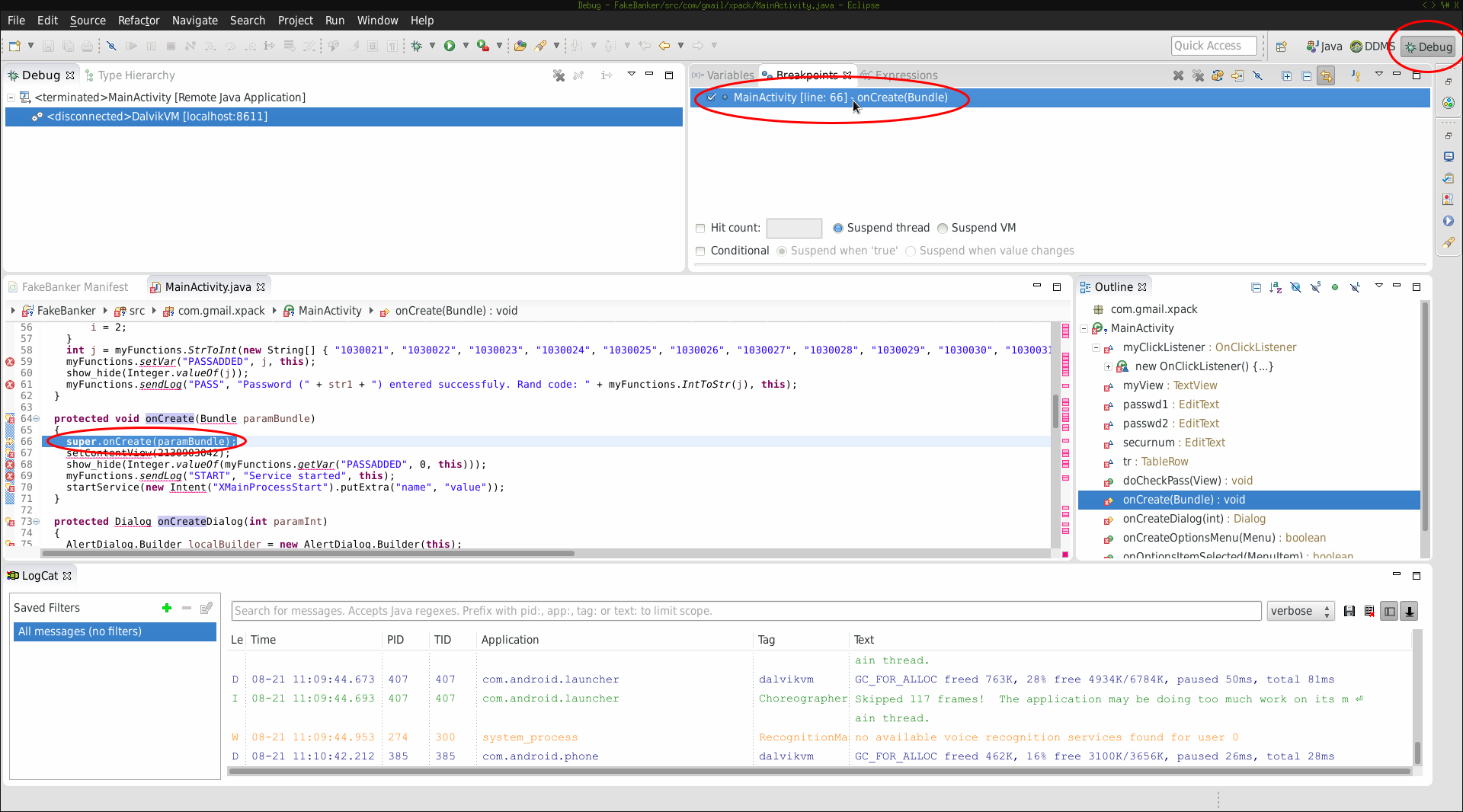
This is a separate gallery showing development environment screenshots. Notice how these images are grouped separately from the conference gallery above.
How It Works #
The gallery shortcode system consists of two parts:
- Gallery Container - Wraps images in a responsive grid layout
- Gallery Images - Individual images that belong to the same gallery group
Usage Example #
|
|
Features #
- Grouped Navigation: Images in the same gallery can be navigated using arrow keys or on-screen controls
- Separate Galleries: Multiple galleries on the same page remain independent
- Responsive Grid: Automatically adjusts to screen size
- Captions & Titles: Each image can have a title (shown below thumbnail) and detailed caption (shown in lightbox)
- Flexible Positioning: Caption position in lightbox can be customized (top, bottom, left, right)
Comparison with Single Image Shortcode #
You can still use the original gbox shortcode for standalone images:

The standalone image opens independently and doesn’t group with the galleries above.